Overview
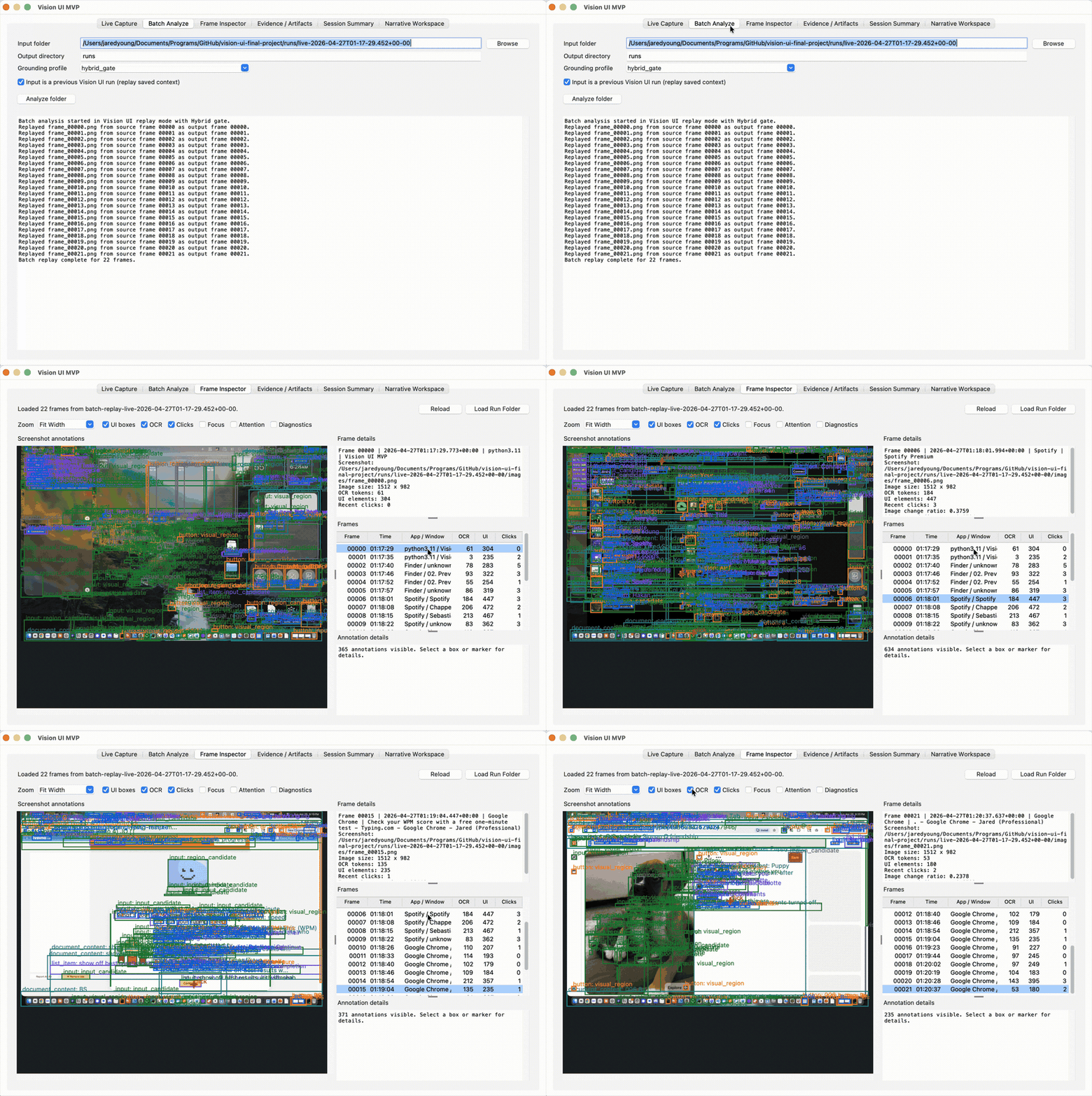
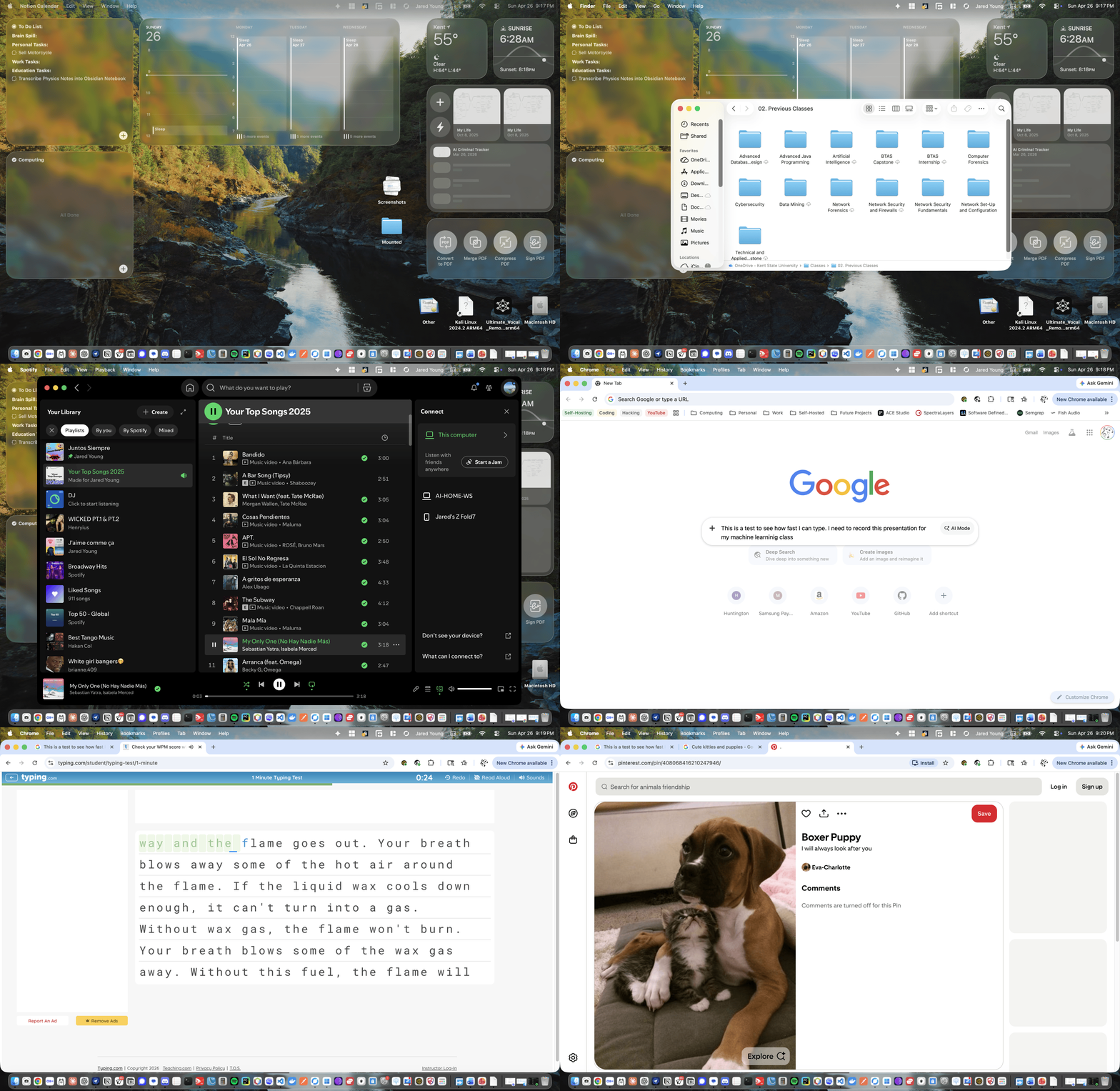
Vision UI turns desktop screenshot streams into evidence-linked accounts of user activity so support and operations teams can replay what happened instead of relying only on memory or loosely written tickets. The system captures screenshots and native context, extracts OCR and interface-region proposals, serializes per-frame JSON, and produces deterministic session summaries plus qualitative narratives that remain tied to saved evidence.
Key Features
- Local-first capture and replay workflow for screenshot streams and operating-system context.
- OCR and heuristic interface proposals for visible desktop elements.
- Optional learned GUI grounding stack using crop classification, rerankers, detector-fusion experiments, and hybrid gates.
- Per-frame JSON evidence artifacts that separate the evidence layer from the prose narrative layer.
- GUI workflow with live capture, batch analysis, frame inspection, evidence review, session summary, and narrative workspace views.
- Operational framing for future AI-assisted support workflows where claims can be checked against captured frame evidence.
Evidence
Interactive Slide Deck
Vision UI Presentation
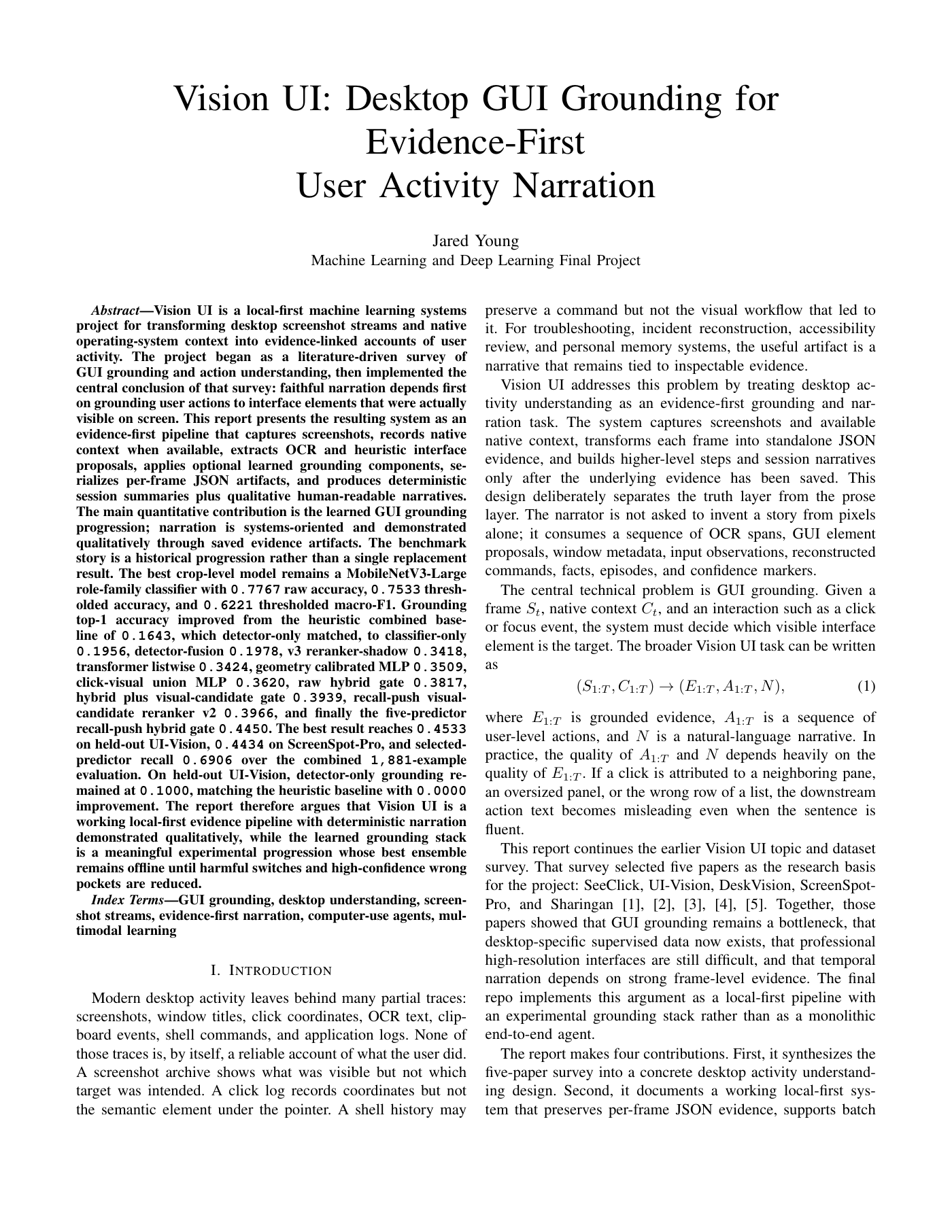
The report frames the learned grounding stack as promising but still experimental. The strongest combined grounding run reached 0.4450 top-1 accuracy, with 0.4533 on held-out UI-Vision, 0.4434 on ScreenSpot-Pro, and 0.6906 selected-predictor recall across the combined evaluation.


What I Learned
The project made the gap between a fluent summary and a trustworthy operational account very clear. For troubleshooting and review, the value is not just narration; it is narration grounded in inspectable screenshots, UI targets, native context, confidence markers, and saved evidence.